YouTube Thumbnail Extractor Tool – Get HD/4K Thumbnails Instantly
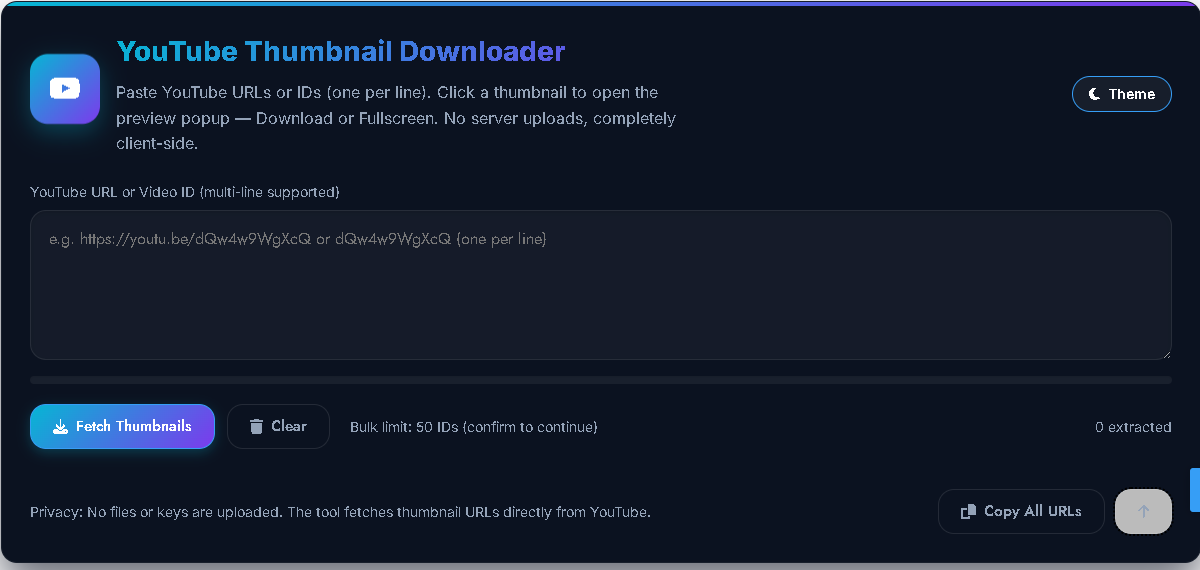
Why Use a YouTube Thumbnail Extractor?
Every YouTube video has an eye-catching thumbnail, but downloading it directly isn’t always easy. That’s where our YouTube Thumbnail Extractor comes in. With this free online tool, you can instantly fetch and download any video thumbnail in different qualities — HD (1080p), 4K, SD, HQ, MQ, and default sizes.
Whether you’re a content creator, designer, or just want to save a thumbnail for inspiration, this tool makes the process fast, secure, and hassle-free. Simply paste the YouTube video link or ID, and the extractor will generate the best available thumbnails for you to download. No sign-up, no extra software — just quick results in your browser.
YouTube Thumbnail Fetcher
Get high-quality thumbnails from any YouTube video
Fetching thumbnail…
How to use:
- Copy the URL of the YouTube video you want the thumbnail from
- Paste the URL in the input field above
- Click the “Fetch Thumbnail” button
- Choose your preferred quality and click View or Download
Select Thumbnail Quality:
What is a YouTube Thumbnail Extractor?
A YouTube Thumbnail Extractor is a free online tool that lets you fetch and download thumbnails from any YouTube video. Every video uploaded on YouTube has multiple thumbnail sizes (Default, Medium, HQ, SD, HD, and even 4K for some videos). With this extractor, you can instantly get these images without needing to play or download the full video.
These thumbnails are useful for:
- Blog posts & articles (to use video previews in your content)
- Social media sharing (quickly grab attractive preview images)
- Design mockups & channel art (use thumbnails as placeholders)
- Video catalogs (organize and preview multiple videos easily)
And the best part? The tool works instantly in your browser — no software, no YouTube API, just paste the video link and download the thumbnail you want.
“Want tips to design better thumbnails? Check YouTube’s official Thumbnail & title tips for creators.”
👉 Also, try our Free YouTube Metadata Fetcher Tool to get complete video details like title, description, and publish date within seconds.
✅ Key Features of This YouTube Thumbnail Extractor
Our Free YouTube Thumbnail Extractor Tool is designed to be fast, private, and easy to use. Here’s what makes it stand out:
- 🔒 100% Private & Secure: Thumbnails are fetched directly inside your browser — nothing is uploaded or stored on our servers.
- 🖼️ Multiple Quality Options: Instantly access all available thumbnail resolutions — HD, SD, HQ, MQ, and default. The tool automatically picks the best quality available for each video.
- 📥 Bulk Thumbnail Download: Paste multiple YouTube URLs or video IDs (one per line) and download several thumbnails at once. Perfect for batch work.
- 👁️ Live Preview Mode: Click any thumbnail to open a fullscreen preview with options to download or view in a new tab.
- ⚡ Super Fast Performance: Built with lazy loading and smart caching for instant results without lag.
- 🌙 Dark Mode + Mobile Friendly: Enjoy a clean, modern interface that automatically adjusts to dark or light mode — works smoothly on all devices.
- 🧠 Smart Error Handling: Even if YouTube blocks certain thumbnail sizes (CORS issue), the extractor automatically finds alternative links that still work.
- 📏 Image Info Display: Get quick details like thumbnail dimensions and file size (when available) before downloading.
- ♿ Accessibility Ready: Includes full keyboard navigation, ARIA attributes, and screen-reader-friendly labels for everyone.
✅ How to Use YouTube Thumbnail Extractor (Step-by-Step Guide)
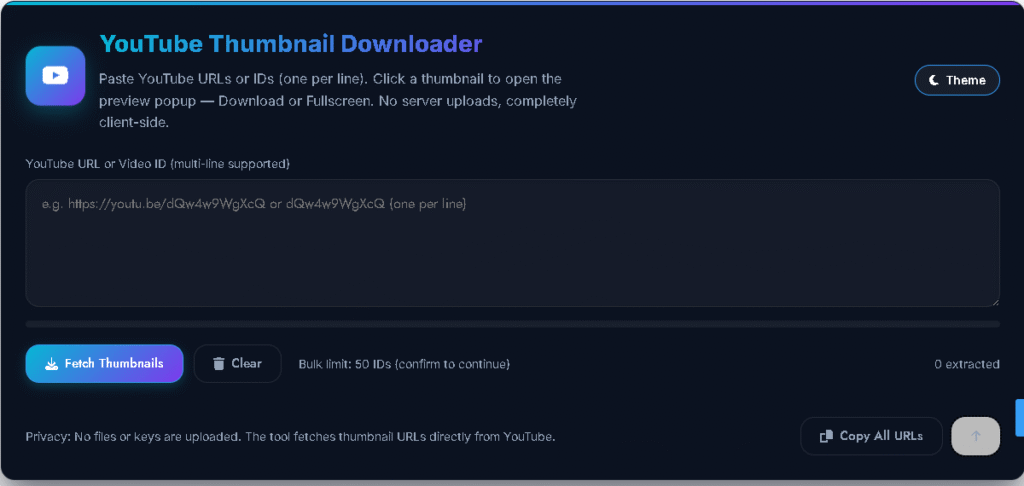
Using our YouTube Thumbnail Extractor Tool is super easy! Follow these quick steps to fetch and download any YouTube video thumbnail in HD quality:
📝 Step 1: Paste Video URL or ID
Copy the YouTube video link (or just the video ID) and paste it into the input box.
Supported formats:
https://youtu.be/VIDEOIDhttps://www.youtube.com/watch?v=VIDEOIDhttps://www.youtube.com/embed/VIDEOID- Or simply the plain video ID itself.
You can even add multiple URLs or IDs (one per line) for bulk fetching.
⚙️ Step 2: Click “Fetch Thumbnails”
Press the Fetch Thumbnails button. The tool will automatically detect and load all available thumbnail sizes — maxresdefault, sddefault, hqdefault, mqdefault, and default.
🖼️ Step 3: View Thumbnail Results
After processing, you’ll see all thumbnails displayed in a responsive grid layout. Each thumbnail card shows:
- Quality badge (HD / HQ / SD)
- Image dimensions
- File-size (if available)
🔍 Step 4: Preview or Download
Click any thumbnail to open it in a preview modal. You’ll see two main options:
- Download – Save the thumbnail directly to your device.
- View Fullscreen – Open the image in a full-screen window for a better look.
📂 Step 5: Use Extra Options (Optional)
- Copy Thumbnail URL: Copy the direct image link to your clipboard.
- Open in New Tab: Instantly view the thumbnail in a new browser tab.
- Bulk Actions: Use Copy All URLs to grab all found thumbnail links at once.
(Advanced users can even export all thumbnails as a ZIP file using JSZip when supported by the browser.)
✨ Pro Tip: You can also check out our YouTube Metadata Fetcher Tool to instantly grab video titles, descriptions, and publish dates — perfect for bloggers and creators.
✅ Why This Approach (Client-Side vs API)
Our YouTube Thumbnail Extractor works completely on the client side, which means everything happens directly in your browser. No data is sent to any external server — ensuring your privacy and security at all times.
Instead of using the YouTube Data API, which requires an API key and adds unnecessary complexity, this approach simply uses the video ID to construct official YouTube thumbnail URLs. It then checks which thumbnail sizes are available (HD, SD, HQ, etc.) and displays them instantly.
This method is:
- ⚡ Faster: No waiting for API requests or rate limits.
- 🔒 Private: Nothing leaves your browser — full client-side operation.
- 🧩 Simpler: No API keys, no setup — just paste the video link and get thumbnails.
So whether you’re on desktop or mobile, the tool gives you instant, private, and reliable results every time.
✅ Frequently Asked Questions (FAQ)
Q1. Can I download the highest-quality YouTube thumbnail (HD or maxres)?
A: Yes! Our YouTube Thumbnail Extractor automatically checks for the maxresdefault.jpg version first. If a video doesn’t have a full HD thumbnail, it instantly falls back to the next available quality — SD, HQ, or default.
Q2. Do I need a YouTube API key to use this tool?
A: No, you don’t need any API key. This extractor uses publicly available thumbnail URLs generated from the YouTube video ID. API keys are only needed for fetching extra metadata (like video title or channel name), which you can get using our YouTube Metadata Fetcher Tool.
Q3. Why can’t I download some thumbnails directly?
A: In rare cases, YouTube may apply CORS restrictions that block direct downloads. When this happens, simply click “Open in New Tab” and then save the image manually — it’s quick and works every time.
Q4. How many YouTube video IDs can I paste at once?
A: You can paste up to 50 video URLs or IDs at a time for bulk thumbnail extraction. The tool will show a gentle warning if the number exceeds that, to maintain browser performance.
Q5. Can I see the thumbnail’s size and dimensions before downloading?
A: Yes, whenever possible. The extractor automatically detects image dimensions and file size using safe browser methods. If your browser blocks that info (due to CORS), the size may appear as “—”.

Post Comment