Free Online Text to PDF Converter|| Fast and Easy to Use
Need to quickly turn your text into a professional PDF? Our free Text to PDF Converter is the perfect solution. It’s the fastest and easiest way to convert your written content into a clean, shareable PDF file without needing any software or special skills.
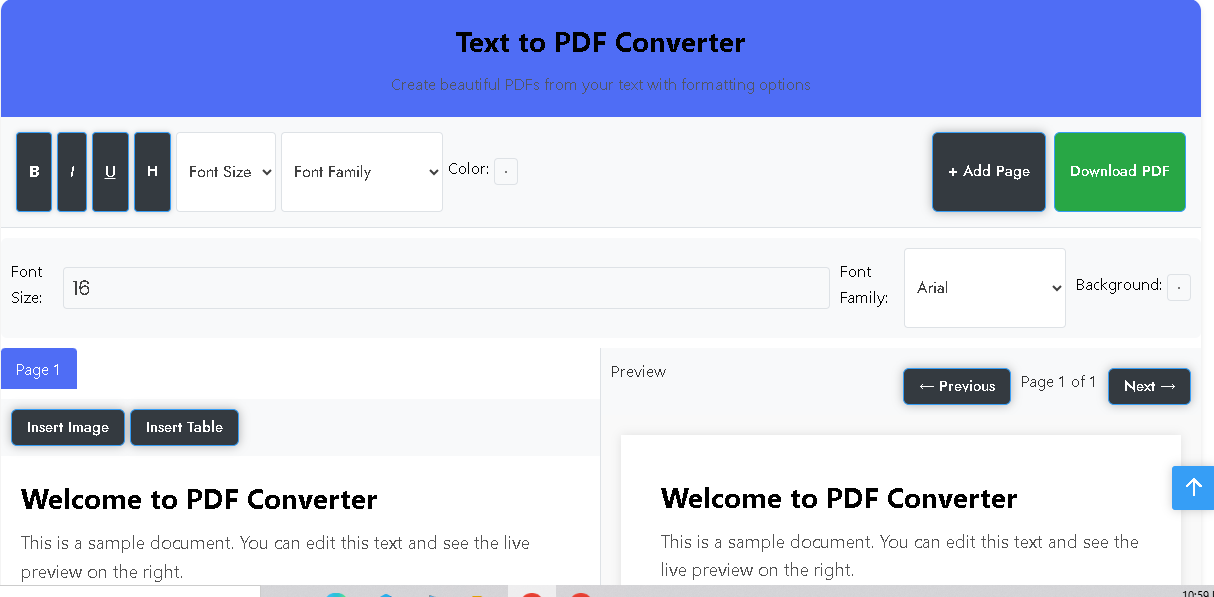
Text to PDF Converter
Create beautiful PDFs from your text with formatting options.
Welcome to PDF Converter
This is a sample document. You can edit this text and see the live preview on the right.
You can bold, italicize, underline text and even add headings.
Click the “Add Page” button to create multi-page documents.
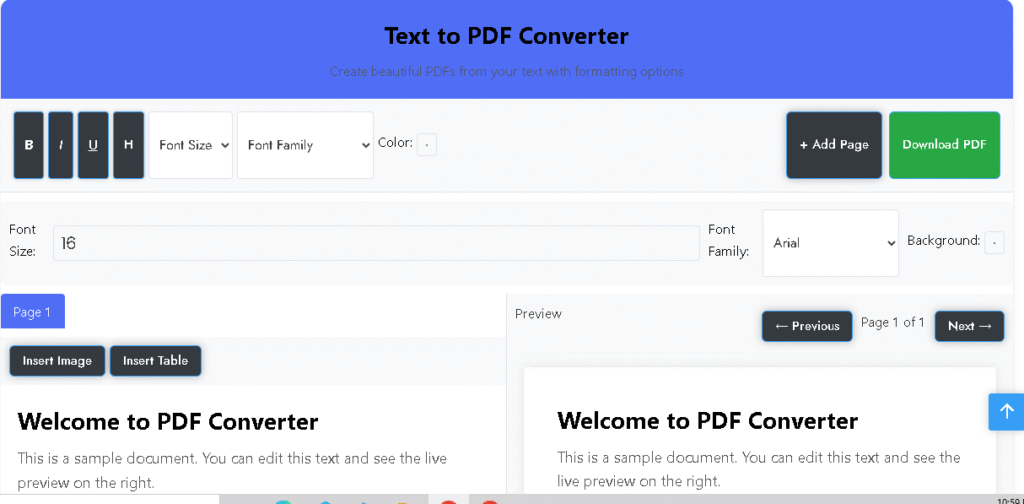
Welcome to PDF Converter
This is a sample document. You can edit this text and see the live preview on the right.
You can bold, italicize, underline text and even add headings.
Click the “Add Page” button to create multi-page documents.
Whether you’re writing a report, a simple note, or an article, our online PDF converter gives you complete control. It works directly in your browser, so you can access it from any device, anywhere, and get your PDF ready in seconds.
Also Use Our PDF to Image Converter — Fast, Secure
Key Features That Make Us The Best
- 100% Free and Easy: Our PDF maker is completely free to use, with no hidden costs or subscriptions. Just open the tool and start working.
- Secure & Private: Your data is safe. We do not store your documents on our servers. As soon as you download your PDF, your data is removed.
- No Watermarks: The PDF you create is yours. It will be clean and professional, with no watermarks or logos.
- Offline Functionality: Since this is a self-contained web app, it works even without an internet connection, allowing you to create documents anytime.
- Formatting Tools: Use our integrated formatting buttons to make your text bold, italic, underlined, or to add headings for a polished look.
How to Convert Text to PDF
Our process is simple and intuitive. Just follow these three easy steps to create your PDF:
- Type or Paste: Enter your text directly into the editor or simply paste it from another source.
- Format Your Content: Use the provided buttons to format your text. You can add images from your device and even insert tables to organize your data.
- Download Your PDF: Click the “Download PDF” button, and your document will be ready in a moment.
Frequently Asked Questions
Is this tool truly free to use? Yes, our text to PDF converter is 100% free with no limits on how many documents you can create.
Is my data and text secure? Absolutely. We prioritize your privacy. All your data stays on your device and is not uploaded to any server.
Does it work on mobile devices? Yes, our tool is fully optimized for all mobile devices. You can use it on your phone or tablet just as easily as on a desktop computer.

Post Comment