Free QR Code Generator Online| Create UPI, WiFi, vCard & More
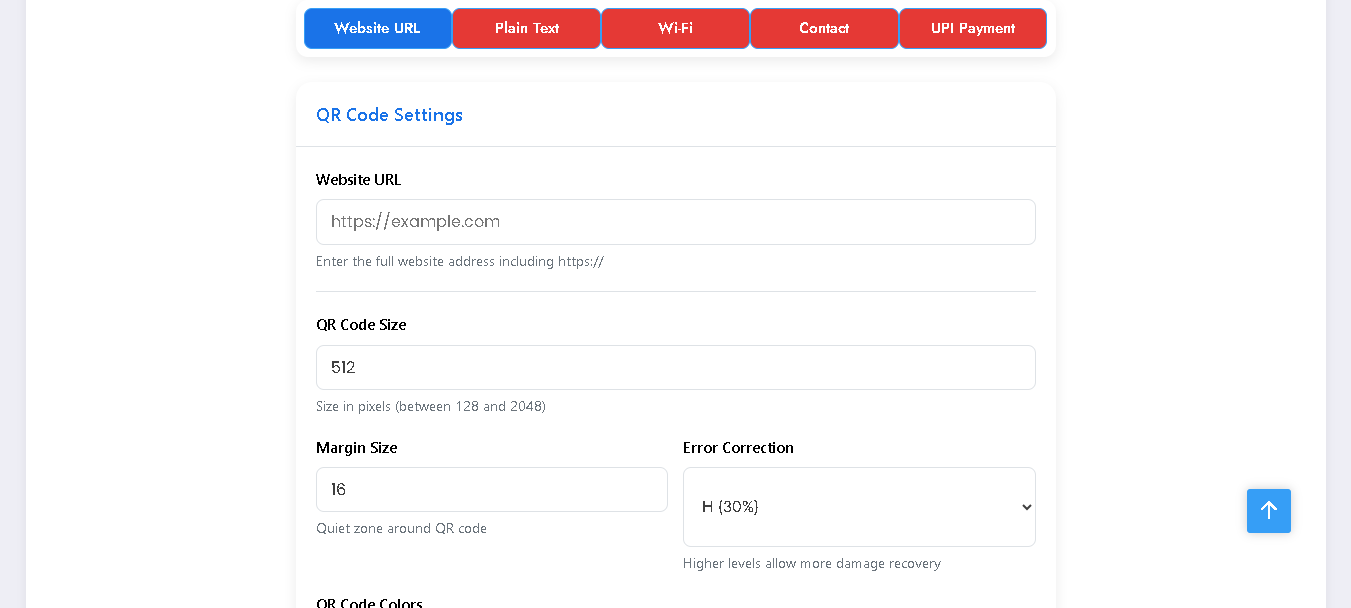
Looking for a Free QR Code Generator Online? With this simple tool, you can instantly create QR codes for UPI payments, WiFi, website links, vCards, and plain text — all in one place, fast and free.
QR Code Generator PRO
Create custom QR codes for URLs, contacts, Wi-Fi and more. Works entirely in your browser.
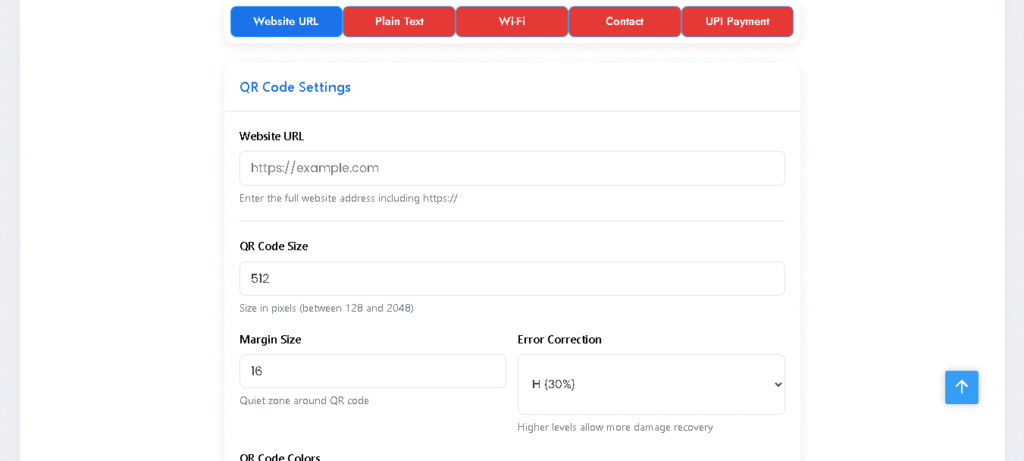
Enter the full website address including https://
Size in pixels (between 128 and 2048)
Quiet zone around QR code
Higher levels allow more damage recovery
Foreground and background colors
Add a logo to the center of your QR code
Our Free QR Code Generator online lets you create different types of QR codes in seconds — UPI Payment, Website URL, WiFi, vCard (Contact Card), and Plain Text. Whether you want to share your payment details, connect users to your WiFi, save your contact card, or just create a quick link, this tool makes it super easy. Generate and download QR codes instantly with no sign-up required.
Key Features of QR Code Generator Online
- ✅ Multiple QR Types – Generate QR codes for UPI, Website URLs, WiFi networks, vCards, and Plain Text.
- ✅ Fast & Easy – Just fill in the details and get your QR code instantly.
- ✅ No Signup Needed – 100% free to use without registration.
- ✅ Mobile Friendly – Works smoothly on both desktop and smartphones.
- ✅ High-Quality Output – Download QR codes in high resolution for printing or sharing.
How to Use QR Code Generator Online
Follow these simple steps to create your own QR code:
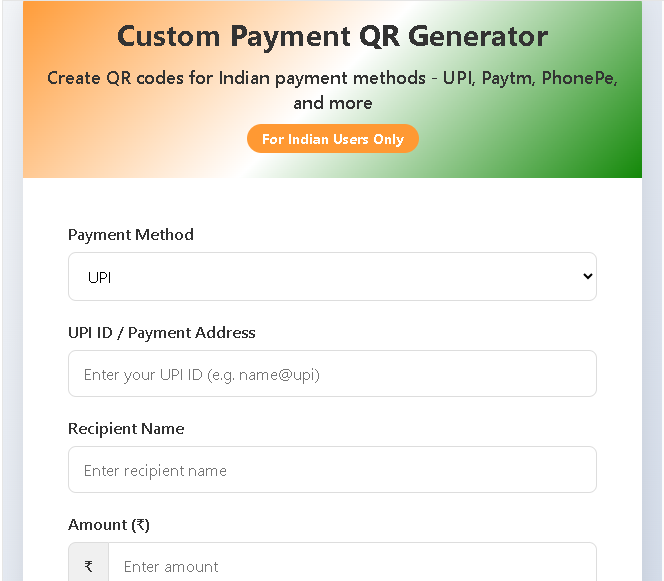
🔹 For UPI Payment QR Code
- Select UPI Payment from the dropdown.
- Enter Phone Number, Receiver Name, and Bank Name.
- Click Generate QR Code.
- Your UPI QR is ready — scan to pay instantly.
🔹 For Website URL QR Code
- Select Website URL option.
- Enter the link (e.g., https://trygfx.com).
- Generate and download your QR code.
🔹 For WiFi QR Code
- Choose WiFi option.
- Enter WiFi SSID and Password.
- Select encryption type (WPA/WEP).
- Generate QR and share it with friends to connect instantly.
🔹 For vCard (Contact Card)
- Select vCard option.
- Fill in your details – Name, Phone, Email, and Address.
- Generate QR and share your digital business card easily.
🔹 For Plain Text
- Choose Plain Text option.
- Type any message or note.
- Generate and share as QR code.
Benefits of Using This Free QR Code Generator Online
- 🚀 Boosts Convenience – Share payment details, WiFi access, and contacts quickly.
- 🔒 Safe & Secure – No data is stored, everything happens in your browser.
- 📱 User-Friendly – Even beginners can generate QR codes in seconds.
- 🎯 Versatile – One tool for all your QR needs (payments, WiFi, links, and more).
- 💯 Completely Free – No hidden charges or premium plans.
Conclusion
Our Free QR Code Generator Online is the easiest way to create QR codes for UPI, WiFi, vCards, links, and text. Whether you’re a business owner or a student, this tool saves time and makes sharing information effortless. Try it now and generate your custom QR code instantly!
Also check Image compress tool

Post Comment