Easy Image Resizer – Resize & Compress Photos in 1 Click (Free Tool)
Easy Image Resizer: Fix Oversized Images in Seconds
Struggling with “Easy Image Resizer” needs? Our free tool lets anyone resize and compress images in 3 simple steps – no tech skills required! Perfect for shrinking photos for email, WhatsApp, or social media while keeping 100% privacy.
Pro Image Resizer
Advanced image optimization tool – resize, compress, and enhance your images for any purpose
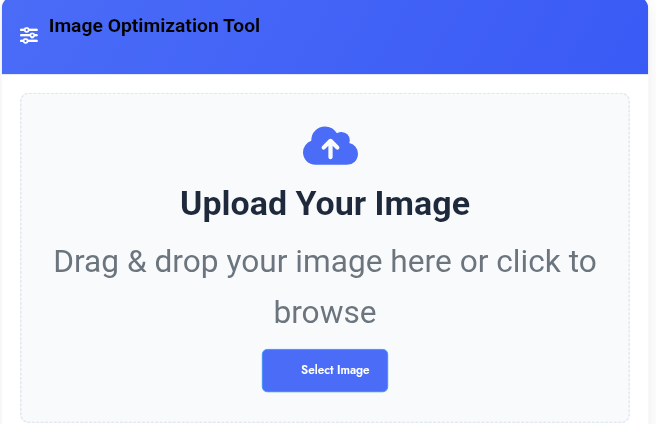
Image Optimization Tool
Upload Your Image
Drag & drop your image here or click to browse
Key Features
Smart Compression
Reduce file size by up to 80% without noticeable quality loss using advanced algorithms.
Precision Resizing
Resize images with pixel-perfect accuracy and aspect ratio control.
Multiple Formats
Export to JPEG, PNG, or modern WebP format for optimal file size.
Privacy First
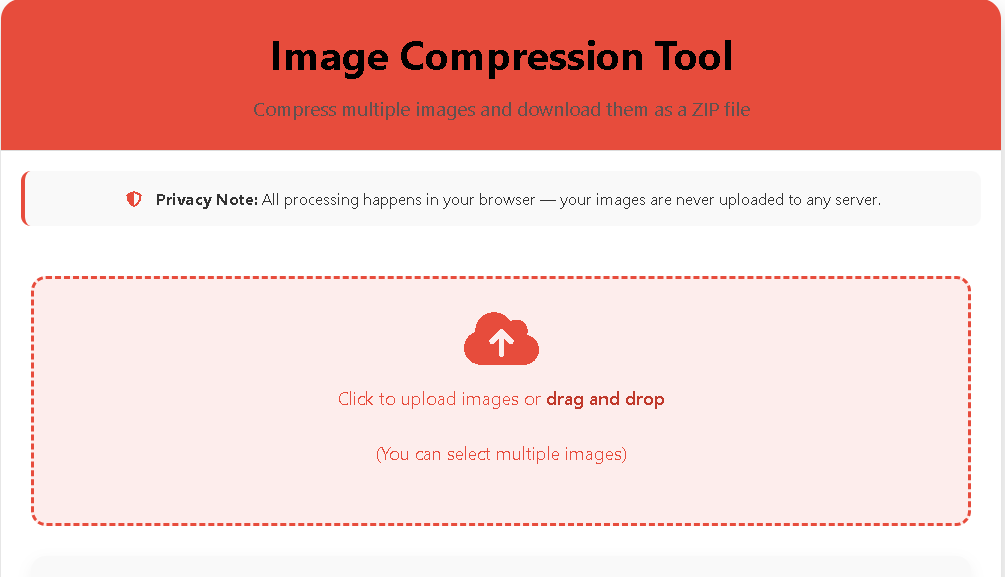
All processing happens in your browser – no image uploads to servers.
Key Features for Everyday Users
- One-Minute Resizing
- Drag, drop, done - no technical skills needed
- See results instantly
- Size Reduction Magic
- Shrink photos for email attachments
- Compress screenshots for messaging apps
- Ready-Made Presets
- Facebook/Instagram posts
- WhatsApp profile pictures
- Document attachments
- Privacy Protection
- Your images never leave your computer
- No accounts or sign-ups
- Universal Compatibility
- Works on phones, tablets, and computers
- Supports all common formats (JPG, PNG, etc.)
Step-by-Step User Guide
1. Upload (5 seconds):
- Click "Select Image" or drag your photo into the box
Works with: Phone pictures, screenshots, scanned documents
2. Choose Size (10 seconds):
- Pick a preset:
📱 Mobile Friendly (600×400)
✉️ Email Ready (800×600)
📸 Social Media (1200×630) - OR drag sliders to custom size
3. Compress (5 seconds):
- Move quality slider:
- 100% = Best quality (larger file)
- 70% = Great balance
- 50% = Smallest size (for quick sharing)
4. Download (3 seconds):
- Click "Download" - your optimized image is ready!
Real-Life Use Cases
For Parents:
- Shrink school project photos to email teachers
- Resize baby pictures for family WhatsApp groups
For Job Seekers:
- Reduce resume photo size for online applications
- Optimize portfolio images
For Social Media:
- Fix oversized phone videos
- Prepare Facebook marketplace listings
For Seniors:
- Simplify grandkid photo sharing
- Resize scanned documents for email
How It Works:
- Upload: Drag any image from your device
- Resize: Choose from simple presets
- Compress: Adjust one slider
- Download: Get perfect-size image
Why Normal Users Love It:
- ⏱️ Faster than apps: Done in under 30 seconds
- 🔒 No privacy worries: Your photos stay on your device
- 📱 Phone-friendly: Works on any smartphone browser
Real User Story:
*"I send 50+ property photos daily. Before, I wasted hours resizing. Now I optimize 20 images during coffee break!"* - Raj, Real Estate Agent
Try Today:
Next time your phone says 'file too large':
- Bookmark the Easy Image Resizer
- Open it directly from your browser
- Fix the image in 3 clicks
No technical skills required - just drag, slide, and go!

Post Comment