Exam Photo and Signature Resizer Tool for Government Exams
Exam Photo and Signature Resizer Tool
ExamResizer
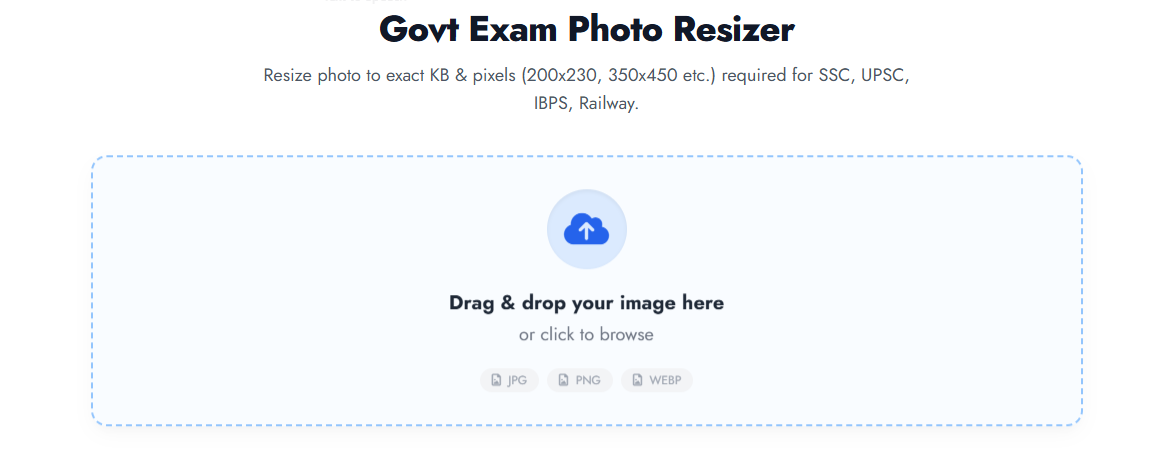
Fast · SecureGovt Exam Photo Resizer
Resize photo & signature to exact KB and pixel dimensions required for SSC, UPSC, IBPS, NEET, Railway forms.
Drag & drop your image here
or click to browse
Fill dimensions to match exact exam specs (aspect ratio will be adjusted if needed).
Ready for Download
OptimizedOriginal Size
0 KB
New Size
0 KB
Instantly processed and secured in your browser
Most government exams reject photos if dimension ratio or file size doesn’t match official notification (e.g., SSC 200x230px, UPSC 350x450px). Our tool ensures compliance.
Smart binary-search algorithm reduces JPEG quality while preserving clarity. Works instantly directly in your browser with smart compression.
Applying for a government job in India can be a stressful process, especially when your application gets stuck at the final step: uploading the photo and signature. Most official portals like SSC, UPSC, IBPS, NEET, and JEE have extremely strict requirements. If your photo isn't exactly under 50KB or your signature exceeds 20KB, the portal will reject it.
Our Exam Photo and Signature Resizer Tool is designed to solve this problem. It is a specialized online signature resizer and passport photo compressor that ensures your documents meet the exact pixel and KB specifications required by government boards.
Why is an Exact Photo and Signature Resizer Necessary?
Government recruitment portals use automated AI filters to scan uploaded documents. Even a small error in the aspect ratio or a few extra KBs in file size can lead to application rejection.
Common Reasons for Application Rejection:
- File Size Mismatch: Uploading a 100KB file when the limit is 20KB to 50KB.
- Dimension Errors: Using a random square photo when the portal specifically asks for 200 x 230 pixels.
- Blurry Signatures: Using poor compression tools that make the signature unreadable.
- Format Issues: Attempting to upload a PNG or WEBP file when only JPEG/JPG is accepted.
Latest 2026 Image Requirements for Major Exams
To help you rank better and stay updated, we have integrated the latest 2026 guidelines into our govt exam photo resizer. Here are the standard dimensions you need:
| Exam Body | Document Type | Required KB Size | Exact Pixel Dimensions |
| SSC (CGL/CHSL/MTS) | Photograph | 20 KB - 50 KB | 200 x 230 px |
| SSC (CGL/CHSL/MTS) | Signature | 10 KB - 20 KB | 140 x 60 px |
| UPSC (IAS/NDA/CDS) | Both | 20 KB - 300 KB | Min 350 x 350 px |
| IBPS / SBI Bank PO | Photograph | 20 KB - 50 KB | 200 x 230 px |
| NEET / JEE (NTA) | Signature | 4 KB - 30 KB | 140 x 60 px |
| Railway (RRB) | Photograph | 20 KB - 50 KB | 240 x 320 px |
How to Resize Photo to 50KB and Signature to 20KB?
Using our tool is as simple as 1-2-3. You don't need any technical skills or expensive software like Photoshop.
- Select Mode: Choose between the Photo Resizer or Signature Resizer tab.
- Upload Image: Click on the upload box to select your file. Our tool supports JPG, PNG, and WEBP.
- Choose Exam Preset: Select your target exam (e.g., SSC, UPSC, or JEE) from the dropdown. The tool will automatically set the exact pixel dimensions and target KB size.
- Download: Click "Apply & Resize" and then download your optimized JPEG file.
Features of Our Online Signature Resizer
- Exact KB Control: Our smart binary-search algorithm hits the target size (like under 20kb) with 99% accuracy.
- Privacy First: Unlike other tools, we do not upload your images to any server. All processing happens locally in your browser. Your data is 100% secure.
- Aspect Ratio Maintenance: No more stretched or distorted faces! We maintain the perfect proportion while fitting the image into the required pixels.
- Instant Conversion: Convert WEBP or PNG to high-quality JPEG automatically.
Frequently Asked Questions (FAQs)
1. How can I resize my signature to 20KB online?
Simply upload your signature to our tool, select the "SSC Signature" preset or manually enter '20' in the Target KB box, and click Apply. The tool will provide a perfect signature resizer 20kb output.
2. What is the best photo resizer for govt exams?
The best resizer is one that allows you to control both pixels and KB size simultaneously. Our tool is optimized for Indian govt forms, making it the most reliable passport photo resizer available.
3. How to fix "Image dimensions are not as per specification" error?
This error occurs when the Width and Height of your photo are wrong. Use our "Exact Dimensions" feature to set pixels like 200x230 or 350x450 to fix this instantly.
4. Is this tool free to use?
Yes, our exam photo resizer is 100% free with no watermarks and no registration required.


Post Comment