Unlock Your Content: The Free PDF to Text Extractor You’ve Been Waiting For
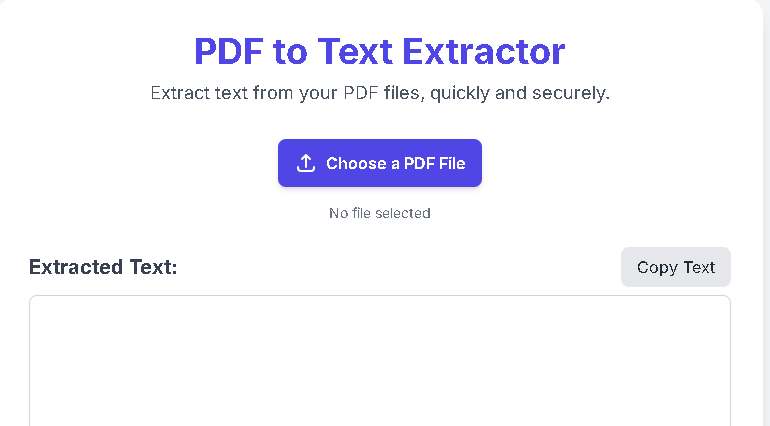
Welcome to our free PDF to Text Extractor—a powerful solution designed to make your life easier. This tool goes beyond simple text extraction; it intelligently recognizes and preserves formatting, giving you a clean, usable document every time.
PDF to Text Extractor
Extract text from your PDF files, quickly and securely.
Extracted Text:
Why Our PDF to Text Extractor is Your Go-To Tool
Our PDF to Text Extractor is built with your security and convenience in mind. Here’s what makes it the best choice for all your document needs:
- 100% Free and Secure: This tool is completely free, with no hidden fees or subscriptions. All processing happens locally in your browser, so your files are never uploaded to a server. Your data remains private and secure.
- Keeps Original Formatting: Unlike other tools that strip away all formatting, our intelligent PDF to Text Converter recognizes and extracts key elements like bold, italics, and even headings, giving you a professional-looking text output that you can use immediately.
- Blazing Fast & Efficient: You don’t have to wait. Once you select a file, the extraction process begins instantly. You can get your text in seconds, even from large documents.
- Simple, Intuitive Interface: Our online PDF tool is designed for everyone. With a clean and simple layout, you can convert a file with just one click, without any technical knowledge.
How to Convert Your PDF to Text in Seconds
Using our PDF text extractor is as easy as 1-2-3. There is no software to install or accounts to create.
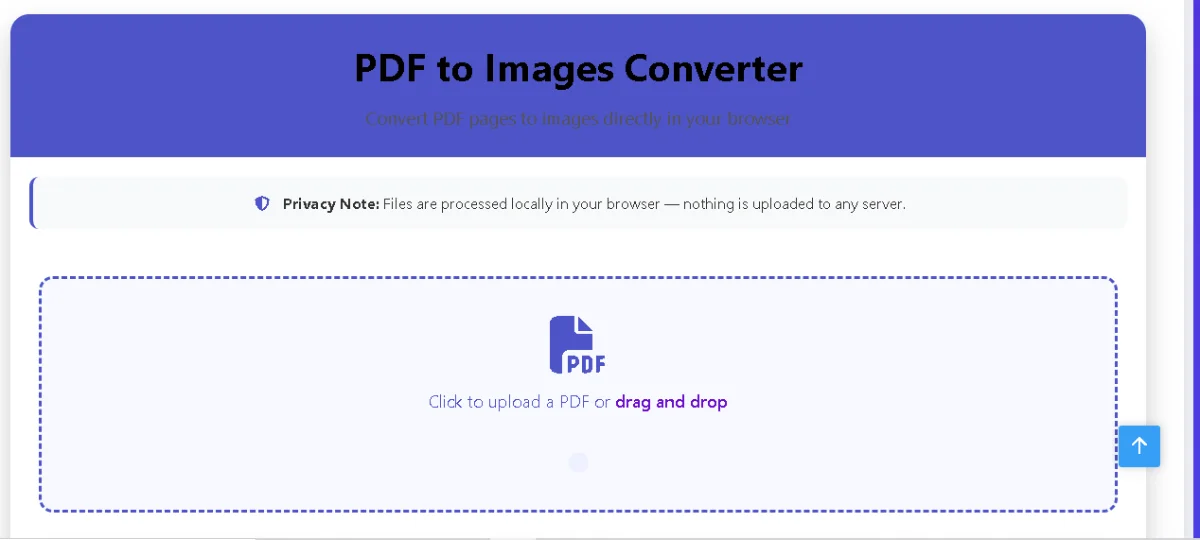
Also Use Our PDF to Image Converter — Fast, Secure
- Choose Your File: Click the “Choose a PDF File” button to select the PDF you want to extract text from on your computer.
- Wait a Moment: The tool will automatically start the extraction process. You will see a status message indicating that the work is in progress.
- Copy Your Text: Once the process is complete, the extracted text will appear in the box below. You can then use the “Copy Text” button to copy it and paste it anywhere you need.
It’s that simple! Whether you are a student, a professional, or just someone who needs to grab information from a PDF quickly, our tool is the perfect choice.
Frequently Asked Questions (FAQs)
Is my data safe with this tool? Yes. Since the entire process happens in your browser and your file is never uploaded, your document and its contents are completely secure and private.
Can I use this tool on my mobile device? Absolutely. The tool is fully responsive and works perfectly on all smartphones and tablets, allowing you to extract text on the go.
Does it work with scanned PDFs? This tool is optimized for PDFs that contain text. It may not be able to extract text from scanned documents, which are essentially images. For those, you would need an OCR (Optical Character Recognition) tool.
Is there a limit on file size? There are no official limits, but processing very large or complex files may take longer, depending on your device’s performance.
Experience the Best Way to Extract Text from PDF
Stop struggling with complex software and online tools that fail to preserve your document’s formatting. Our PDF to Text Extractor is a testament to what an efficient, free, and secure online tool can do.


Post Comment