Free YouTube Metadata Fetcher Tool – Get Video Details Instantly in 1 second
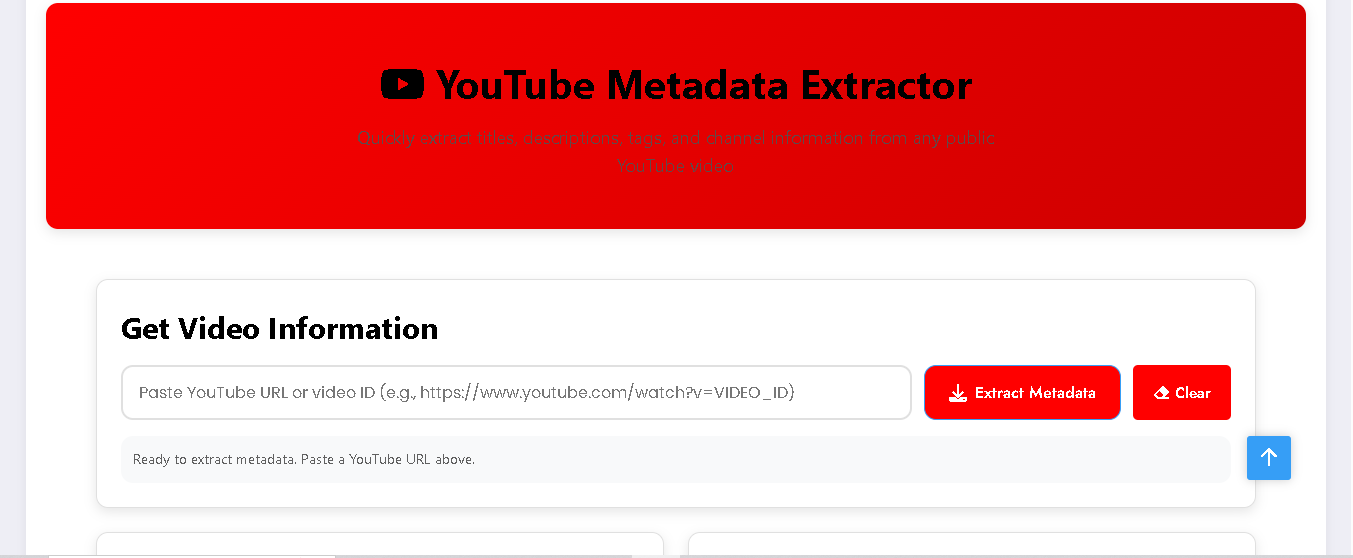
Looking for an easy way to extract video details from YouTube? Our YouTube Metadata Fetcher Tool helps you fetch complete information about any YouTube video within seconds. Just paste the video link and instantly get details like title, description, tags, channel info, and more. This tool is 100% safe, works with the official YouTube API, and does not download or store videos – making it fully AdSense-safe and compliant.
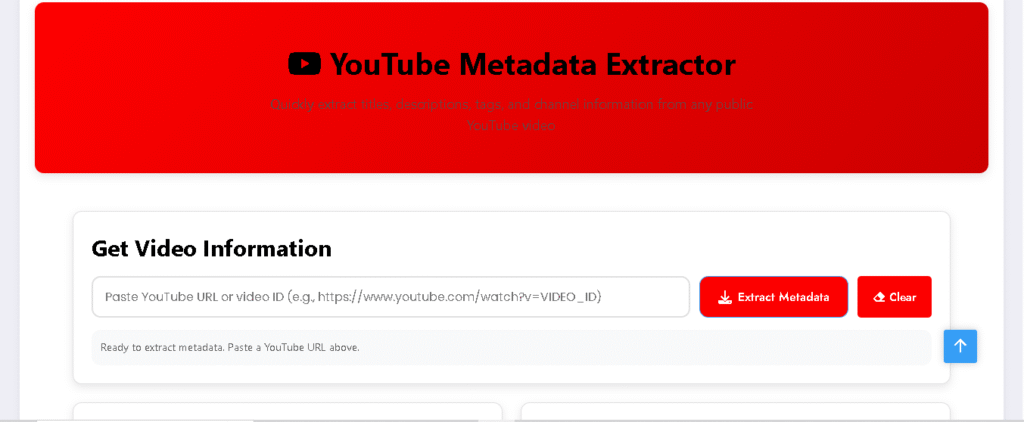
YouTube Metadata Extractor
Quickly extract titles, descriptions, tags, and channel information from any public YouTube video
Get Video Information
Fast Extraction
Get video metadata in seconds with our optimized process
Safe & Secure
Uses official YouTube API – no downloads or privacy concerns
Complete Data
Extract titles, descriptions, tags and channel information
Key Features of YouTube Metadata Fetcher Tool
- ✅ Fetch YouTube video title & description instantly
- ✅ Extract channel name, publish date, and video ID
- ✅ Get YouTube video tags (keywords)
- ✅ Shows video statistics like views, likes, and comments
- ✅ No downloads, no copyright issues
- ✅ Mobile and desktop friendly
What is YouTube Metadata?
YouTube metadata is the hidden information attached to a video, including:
- Video title
- Video description
- Tags (keywords)
- Channel details
- Publish date
- Statistics like views, likes, and comments
This metadata plays a vital role in YouTube SEO and helps your videos rank better in search results.
Why Use Our YouTube Metadata Fetcher Tool?
- Instant Results – Get video details within seconds.
- SEO Optimization – Discover tags and descriptions used by other creators.
- Content Research – Analyze competitor videos to plan your strategy.
Make your channal QR Code by Click here
How to Use the Tool?
- Copy the YouTube video URL.
- Paste it into the input box.
- Click Fetch Details.
- Instantly see video metadata including tags, description.
Conclusion
The YouTube Metadata Fetcher Tool is a must-have for anyone serious about video SEO and content analysis. Whether you are a creator, marketer, or researcher, this tool helps you extract video data in seconds – safely and legally.
Start using the tool today and optimize your YouTube strategy like a pro!


Post Comment